How Can We Help?
Team Member – Add, Edit or Delete
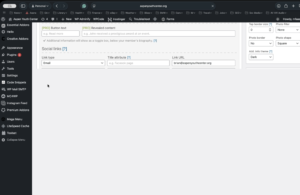
- From the WordPress admin page, go to Teams in the left column menu.
- Select the Staff category, scroll to the bottom of the page and select add.
- Enter the following:
- Name
- Position
- Bio
- Desired contact info (try to be consistent with other records in the category)
- Select bio image.
- Potentially select secondary image (originally we had used an informal image for this that would present when the cursor rolled over the image).